
How a Wireless Site Survey Shaped a RUCKUS WiFi 7 Deployment in a Concrete Heavy Office
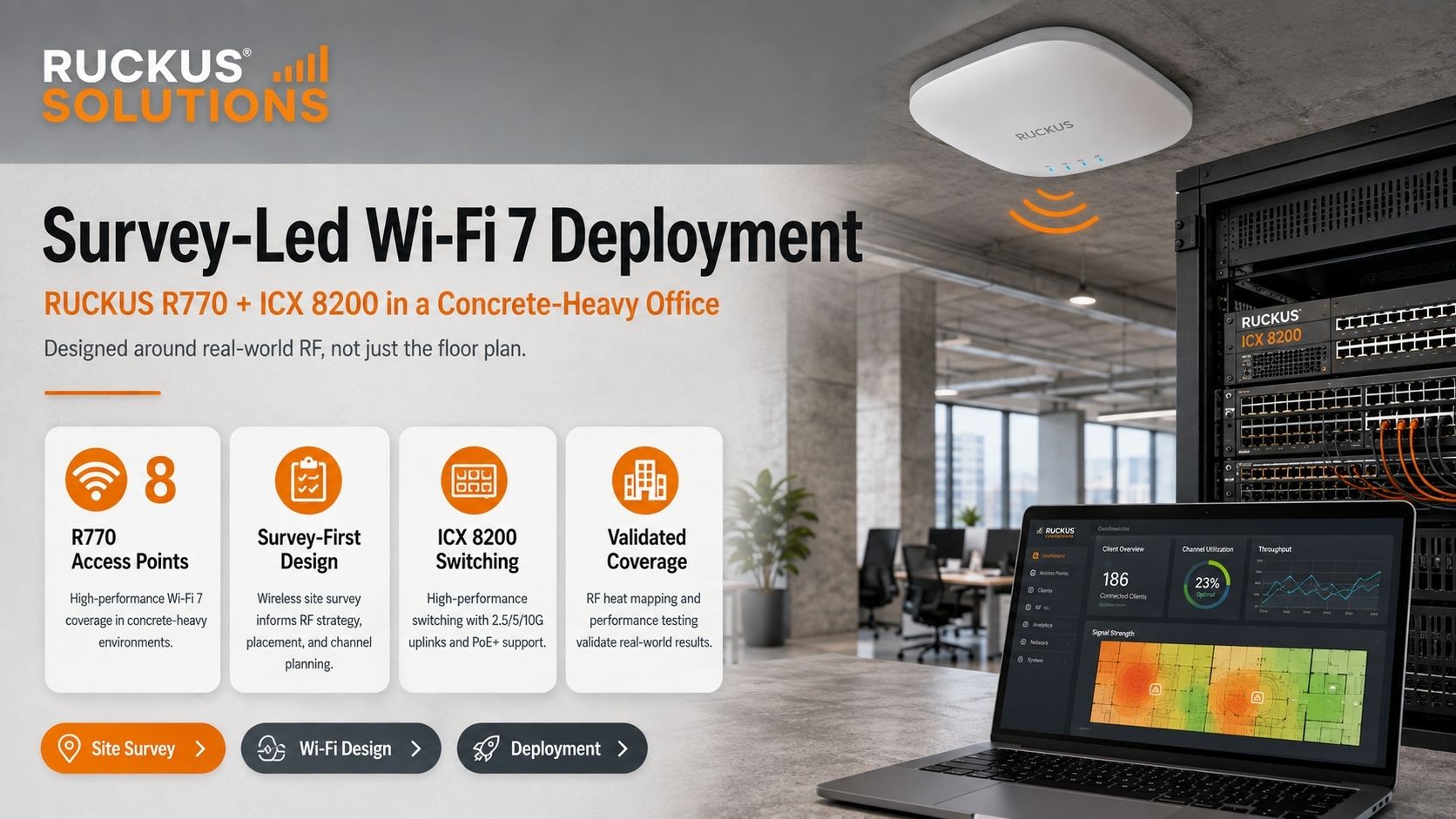
Eight RUCKUS R770 access points, ICX 8200 switching, and an RF design built around the building; not assumptions.
Upgrading an office to WiFi 7 is not simply a matter of replacing older access points with faster hardware.
For Situation Group, the bigger challenge was creating a wireless network that could perform consistently inside an office filled with concrete, enclosed rooms, structural barriers, stairwells, elevator areas, and other features that can dramatically change how wireless signals travel.
The goal was a permanent business WiFi network capable of supporting cloud applications, video conferencing, laptops, mobile devices, guest connectivity, collaboration platforms, and connected devices throughout the workday.
That required something more important than a floor plan: a professional wireless site survey.
Ruckus Solutions began by evaluating the actual RF environment, then used those findings to engineer and deploy an eight access point RUCKUS R770 WiFi 7 network backed by RUCKUS ICX 8200 switching.
The result was a network designed around where people actually need connectivity; not where a drawing suggests an access point should go.
The Challenge: Concrete Changes Everything About Office WiFi
A floor plan is an important starting point for wireless design, but it cannot tell you the entire story.
It shows offices, conference rooms, hallways, stairwells, and common areas. What it does not show is how radio frequency energy behaves once it encounters the materials used to construct those spaces.
Concrete walls, masonry, structural cores, elevator shafts, mechanical spaces, dense interior construction, and other obstacles can absorb or redirect wireless signals. The challenge becomes even more important when designing around the 5 GHz and 6 GHz spectrum used by modern WiFi networks.
Simply increasing transmit power is not an effective substitute for good RF engineering. It can create oversized wireless cells, unnecessary interference, poor roaming behavior, and situations where a client device can hear an access point better than the access point can hear the client.
Instead, Ruckus Solutions designs commercial wireless networks around the environment itself.
A professional wireless site survey and network design identifies the areas that need coverage, measures the conditions affecting that coverage, and provides the information needed to determine AP placement before installation begins.
Explore Ruckus Solutions Site Survey & Consultation Services
Survey First: Designing Around the Real RF Environment
For this project, the wireless site survey became the foundation of the deployment.
Rather than estimating access point locations based primarily on square footage, the survey allowed the team to evaluate how the office would actually behave as a wireless environment.
That included examining:
- Concrete and other RF obstructing building materials
- Enclosed offices and interior rooms
- Conference and collaboration spaces
- Open work areas
- High density user locations
- Stairwells, elevator areas, and structural cores
- Potential interference and coverage boundaries
- AP mounting locations
- Roaming requirements between work areas
- Wired infrastructure supporting each AP
The objective was not simply to make sure every part of the floor could detect WiFi.
A properly engineered business network must balance coverage, capacity, signal quality, interference, and roaming.
That means creating deliberate wireless cells with enough overlap for users to move around the office without unnecessarily flooding adjacent areas with RF energy.
For offices, commercial buildings, and other environments where dependable connectivity is business critical, that survey led approach can be the difference between WiFi that merely exists and WiFi that employees can actually rely on.
Learn About Ruckus Solutions Business WiFi Services
Why the RUCKUS R770 Was Used for the WiFi 7 Network
Once the RF requirements were established, the wireless layer was built around eight RUCKUS R770 indoor access points.
The R770 is a tri-radio WiFi 7 access point designed for demanding enterprise environments. It operates across the 2.4 GHz, 5 GHz, and 6 GHz bands and combines WiFi 7 capabilities with RUCKUS RF technologies intended to improve performance in challenging wireless environments.
Important R770 capabilities include:
- Tri-band WiFi 7 operation across 2.4 GHz, 5 GHz, and 6 GHz
- Eight spatial streams
- Multi-Link Operation (MLO)
- 4K-QAM
- Preamble puncturing
- Support for channel widths up to 320 MHz
- RUCKUS BeamFlex+ adaptive antenna technology
- More than 4,000 antenna patterns per band
- A combined maximum PHY rate of 12.22 Gbps
- A multigigabit Ethernet interface supporting up to 10 GbE
Those specifications provide a powerful platform, but specifications alone were not the reason for selecting the R770.
In an office like this one, where the access points are installed and how the RF environment is configured matter just as much as the WiFi generation printed on the box.
BeamFlex+ is particularly relevant in environments where walls and other obstacles make wireless conditions more complex. Instead of depending only on fixed antenna behavior, RUCKUS adaptive antenna technology can select from thousands of antenna patterns to optimize communications with connected devices.
For the Situation Group deployment, the eight R770s were positioned according to the survey and the coverage and capacity requirements of the actual workspace.
Explore the RUCKUS R770 WiFi 7 Access Point
WiFi 7 Needs the Right Wired Network Behind It
Installing high-performance WiFi 7 access points without evaluating the switching infrastructure can simply move the network bottleneck somewhere else.
Every access point ultimately depends on the wired network for connectivity and power. As wireless capacity increases, the access layer needs to be engineered accordingly.
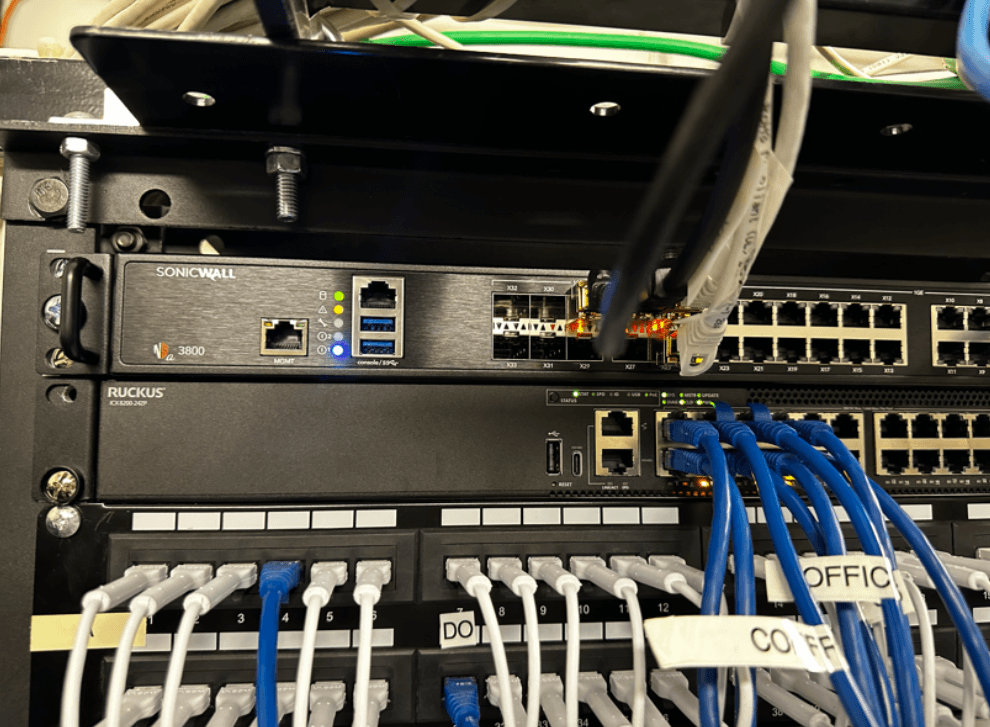
For this installation, RUCKUS ICX 8200 switching provided the wired foundation behind the R770 access points.
The ICX 8200 family is designed for next-generation wireless and IoT environments and includes configurations supporting multigigabit Ethernet, PoE++, high-speed uplinks, stacking, and centralized network management options.
Depending on the ICX 8200 model and configuration, capabilities can include:
- Multigigabit copper connectivity
- PoE and PoE++ for modern powered devices
- Up to 25 GbE uplinks or stacking connections
- High PoE budgets for wireless and connected devices
- Layer 2 and Layer 3 networking
- Stackable architectures for future expansion
- Unified management options alongside RUCKUS wireless infrastructure
For Wi-Fi 7 deployments, this relationship between wired and wireless infrastructure is critical.
The AP may provide the radio connection employees experience, but switching supplies the power, network capacity, segmentation, uplinks, and connectivity that allow the wireless layer to operate effectively.
The Situation Group installation was therefore designed as one complete network rather than treating WiFi and switching as separate projects.
Explore the RUCKUS ICX 8200 Switch Series
View Ruckus Solutions Network Switches
What This WiFi 7 Deployment Demonstrates
The biggest lesson from this project is not that eight WiFi 7 access points were installed.
It is that the building determined the design.
Concrete walls, enclosed rooms, elevator cores, conference spaces, user density, and the way employees move through an office all influence wireless performance.
WiFi 7 introduces substantial new capabilities, but advanced hardware cannot eliminate the need for RF engineering.
A successful commercial WiFi deployment combines:
- A professional wireless site survey
- Purposeful access point placement
- Proper RF configuration
- Capacity planning
- Appropriate switching and PoE infrastructureSecure network architecture
- Post installation testing and optimization
- Ongoing management when required
When these pieces are designed together, organizations get far more value from their wireless infrastructure than they do by simply adding more access points.
Planning an Office WiFi or WiFi 7 Upgrade?
If your business is dealing with dead zones, unreliable conference-room connections, poor roaming, inconsistent speeds, aging access points, or a network that was never professionally designed, the first step should not be guessing how many new APs you need.
Start by understanding the RF environment.
Ruckus Solutions provides wireless site surveys, network design, RUCKUS WiFi 7 access points, ICX switching, installation, and network management solutions for businesses and commercial environments.
A better wireless network starts with a better plan.